
If you have lost your password, you can easily reset this from the WordPress login screen.
Visiting the WordPress Login Page
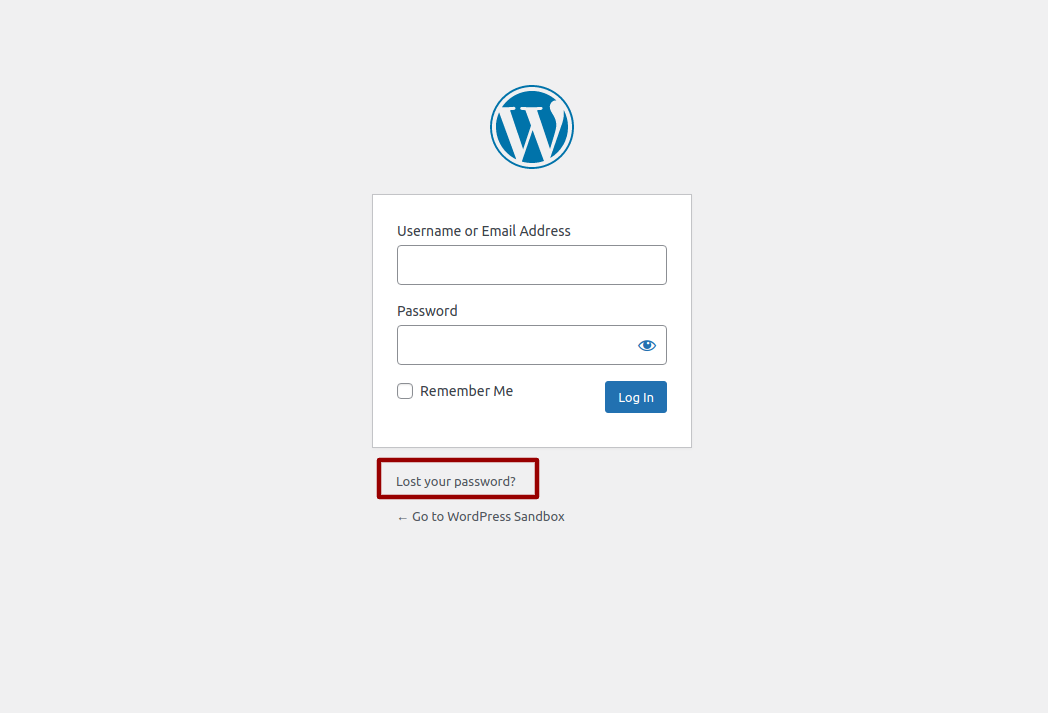
To reset your WordPress password, visit the login screen and select the “Lost Your Password” Link. You login screen can usually be found by adding /wp-admin to the end of your web address (eg http://www.example.com/wp-admin )
Enter your email address or username and click “Get New Password”
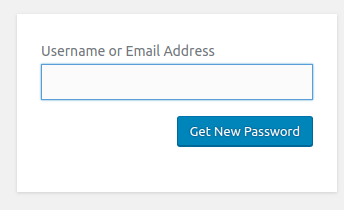
You will receive a password reset link via email which will enable you to change your password and login to your WordPress dashboard
If you can still login to you WordPress dashboard, change your own password from the ‘Edit My Profile’ screen
How to: Change your WordPress Password from the Dashboard
If you do not know your username or email address used:
If you have forgotten both your username and email address, this information will need to be made in the WordPress database. You can select our premium support option for this.
Want us to do it for you?
Order our paid support product