

To change a user’s display name on a page or post, follow this simple step by step guide
Make sure the correct user is assigned as the post author
In the first instance, you may want to make sure the correct user is assigned to any posts on which you want them displayed.
How to: Change Post Author
Find user in the User Index
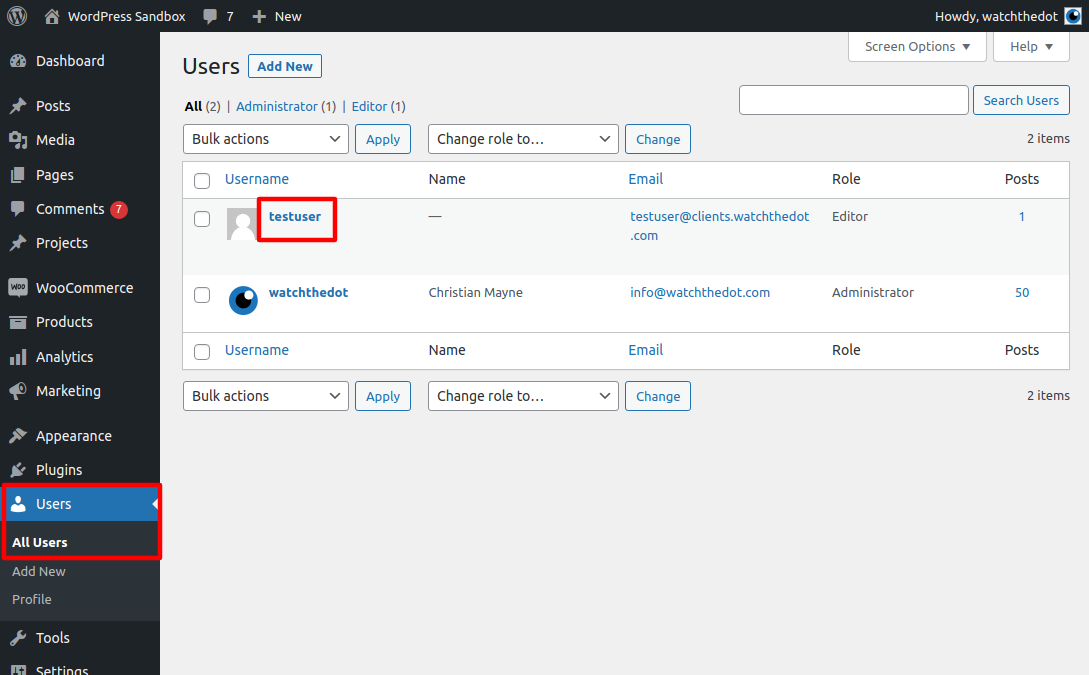
Navigate to Users > All users
Click on the username to edit the user
Edit User Details
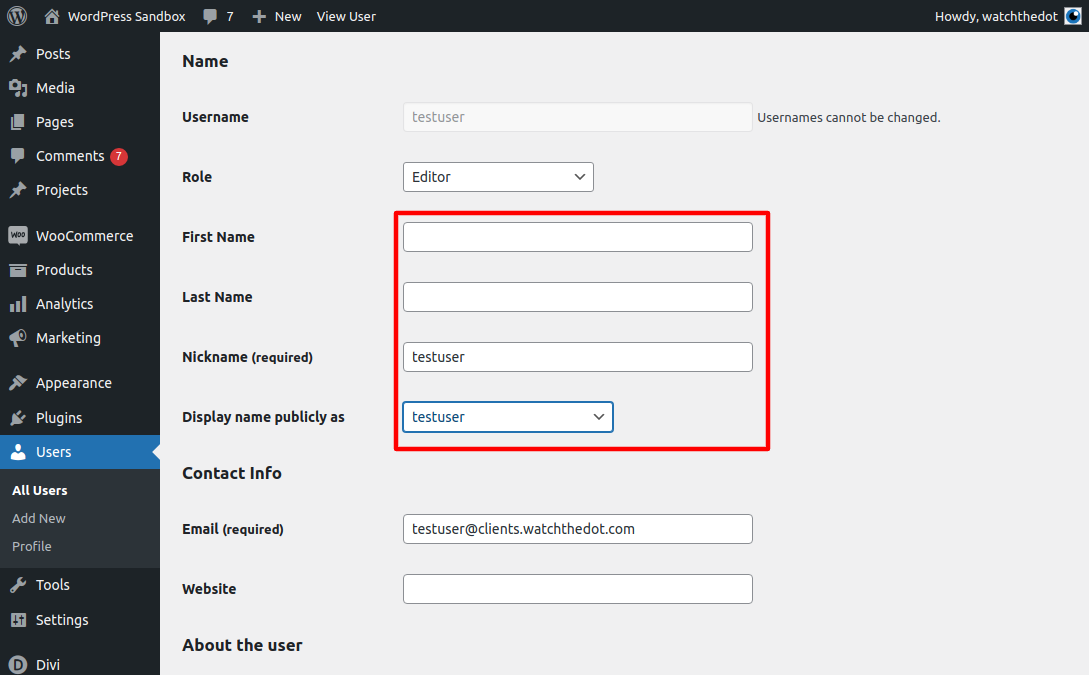
Update First name
Update Last name
Update Nickname
WordPress will create different display name options which you can assign from the drop down menu. Don’t forget to click ‘Update’!