Login to your WordPress Dashboard
How to: How to Login to your WordPress Website
Navigate to the user you wish to update
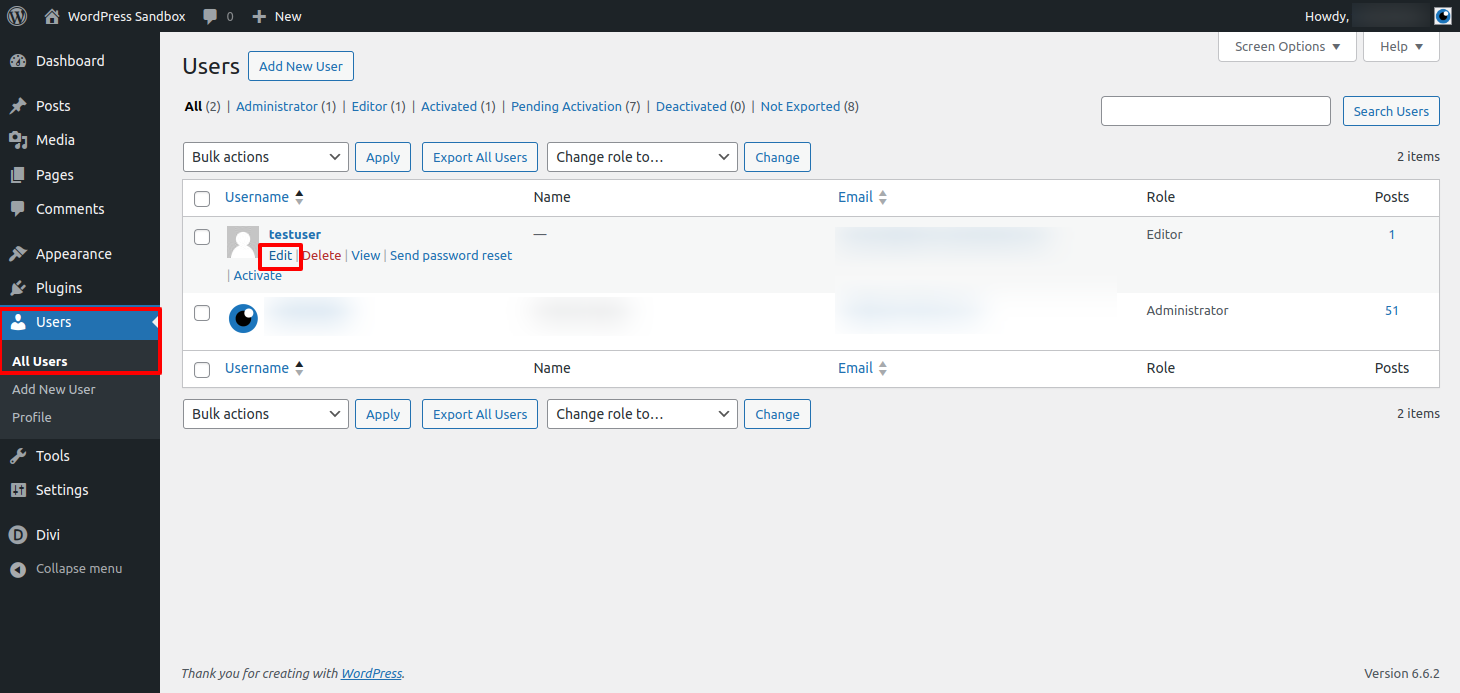
Navigate to your site users under Users > All Users
Hover over the username and select Edit
Set the User Role
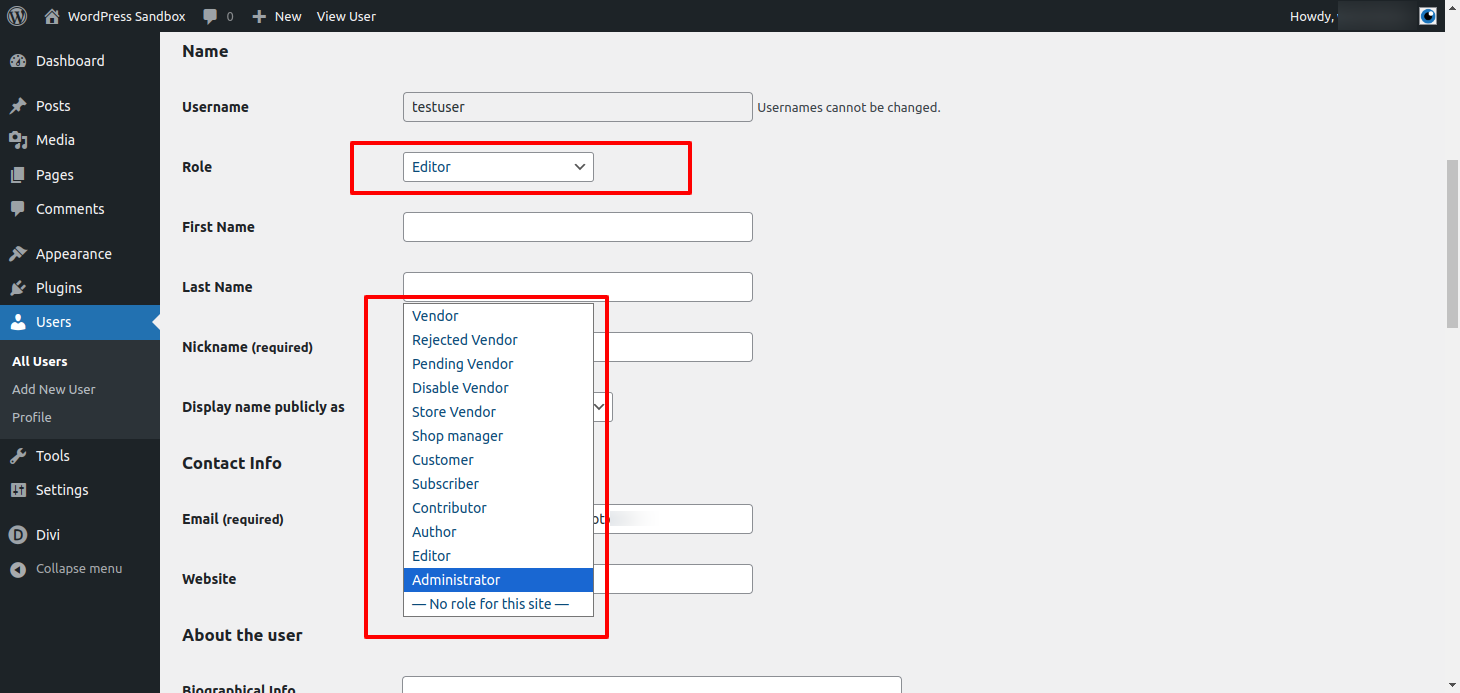
Navigate to the Role dropdown and select the required user role
You can read about the different user roles on the WordPress.org website
Some plugins or theme may add add user roles so the roles available on your website may be different from the screenshot
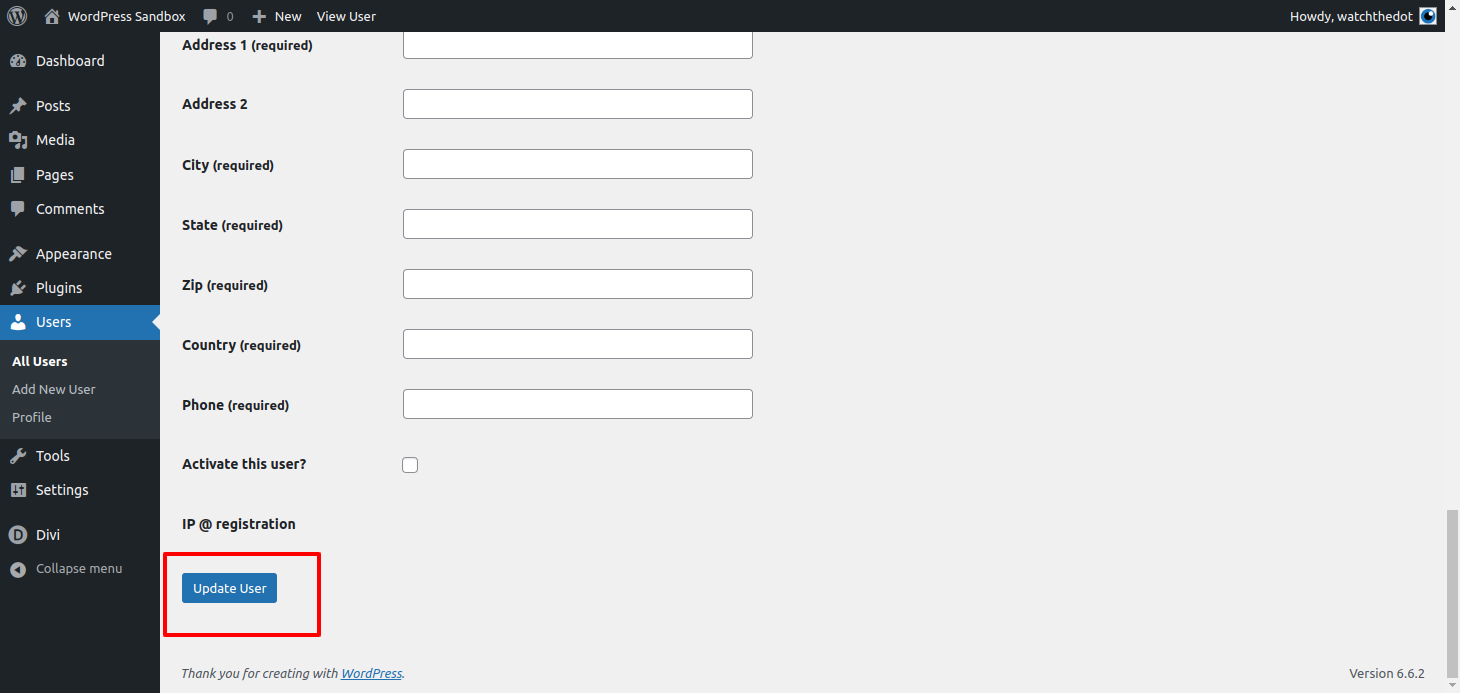
Don’t forget to update!