
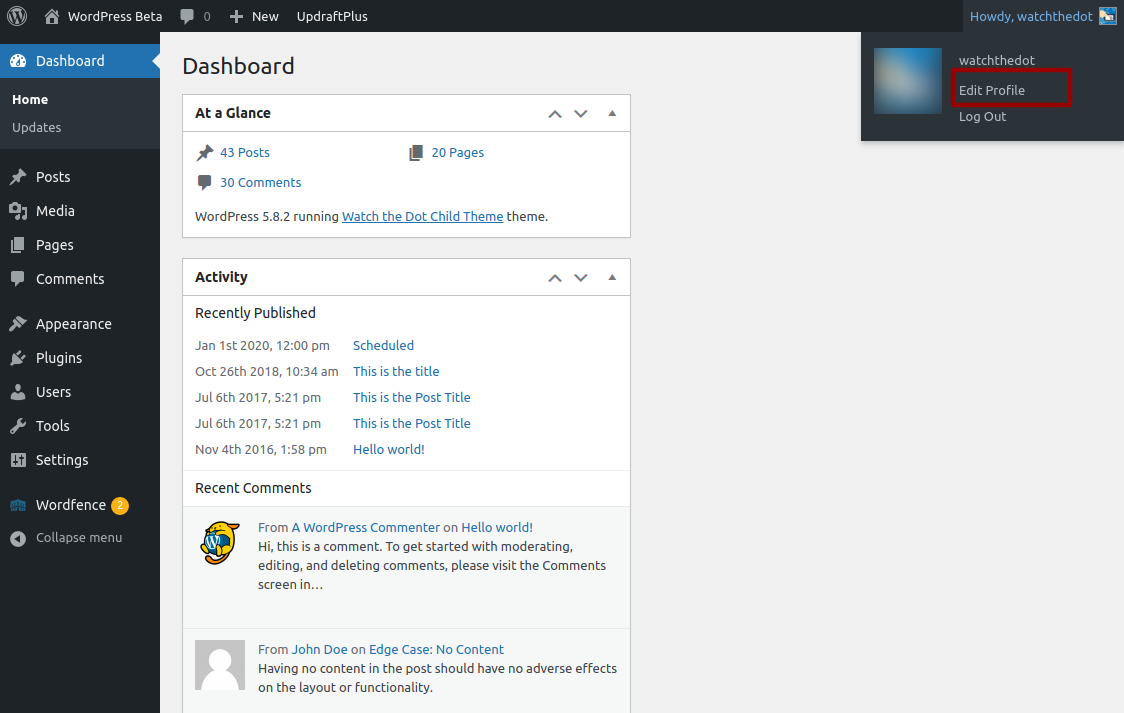
Changing the email address you use to login to your WordPress Website is straightforward using our simple step by step guide below.
Login to your WordPress Website
How to: How to Login to your WordPress Website
Access your Profile within the dashboard
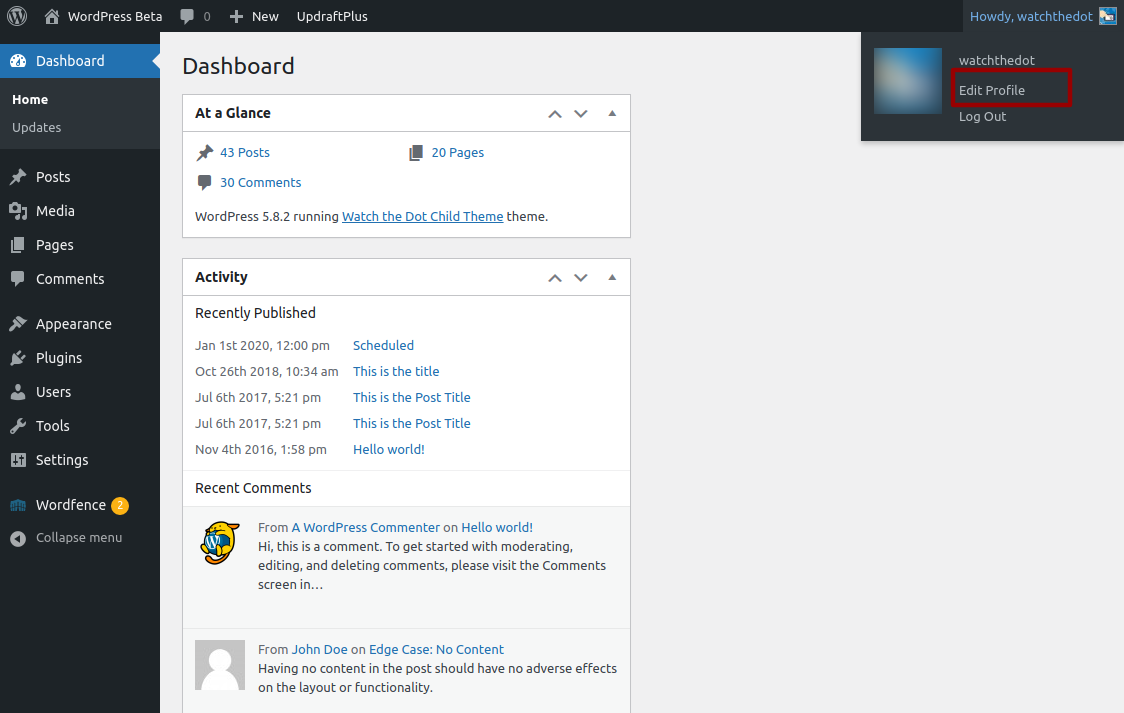
Once logged in, you can easily change your own email addess from the ‘Edit My Profile’ screen.
Find your username on the right hand side of the WordPress admin bar (across the top of your screen). This will be in the format of “How are you [username]” or “Howdy [username]” or something similar, depending on the language your website uses
Hover over the link to access the drop down menu
Within the drop down menu find “Edit My Profile” – this will take you to your profile page
Enter New Email Address
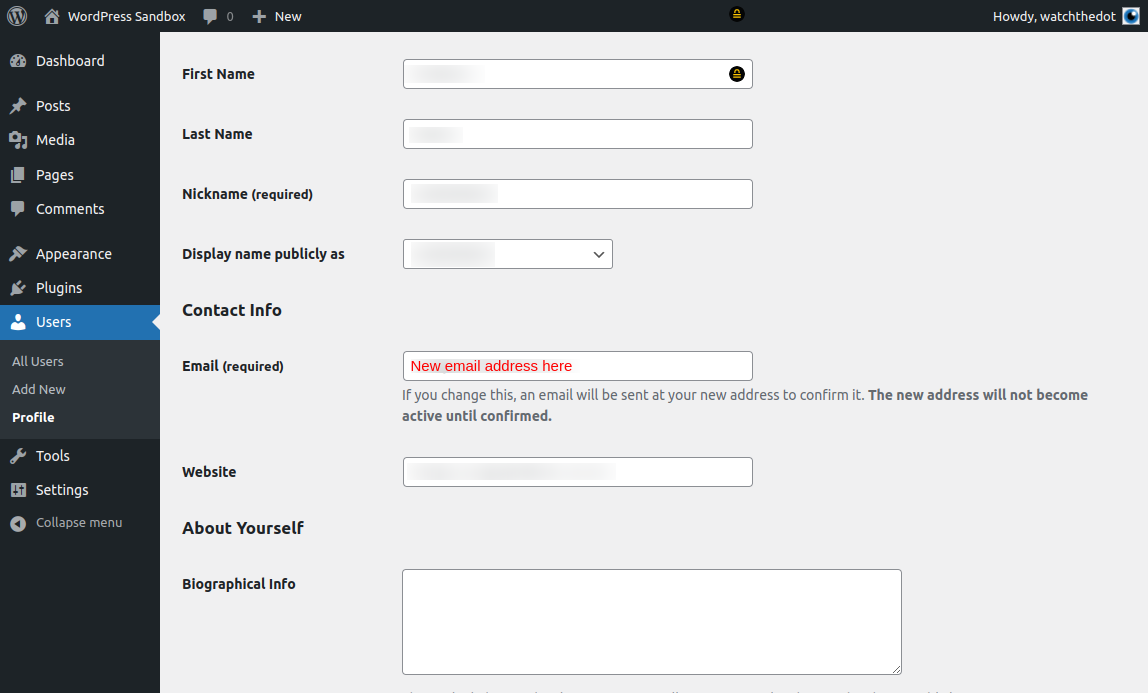
Within your profile page, scroll down to the “Contact Info” section
Enter a new email address in the field provided
Select “Update Profile”
.
Confirm Email
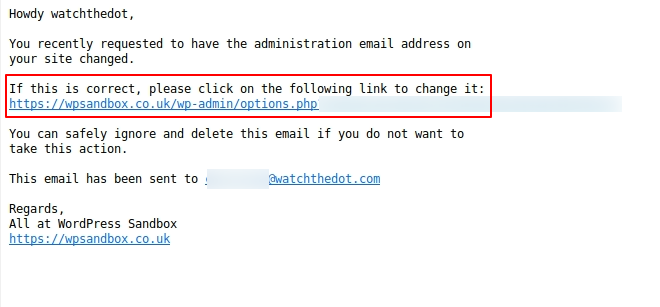
You will receive an email to confirm your email address. You will need to click the link to confirm