
When submitting a support request, we will usually need to have the URL of the webpage you need help with. Each page on a website has a unique URL, and providing this enables us to locate the problem quickly and at minimal cost.
The URL is also often referred to as the “Web Address” of a page.
Here are examples of a page URL:
https://www.example.com – This is the URL homepage of the website “example.com”
https://www.example.com/contact – this is the URL of the Contact page on the website “example.com”
https://control.watchthedot.com/manual/url/ – this is the URL of the page you are reading now
The URL can be found in the address bar of your web browser
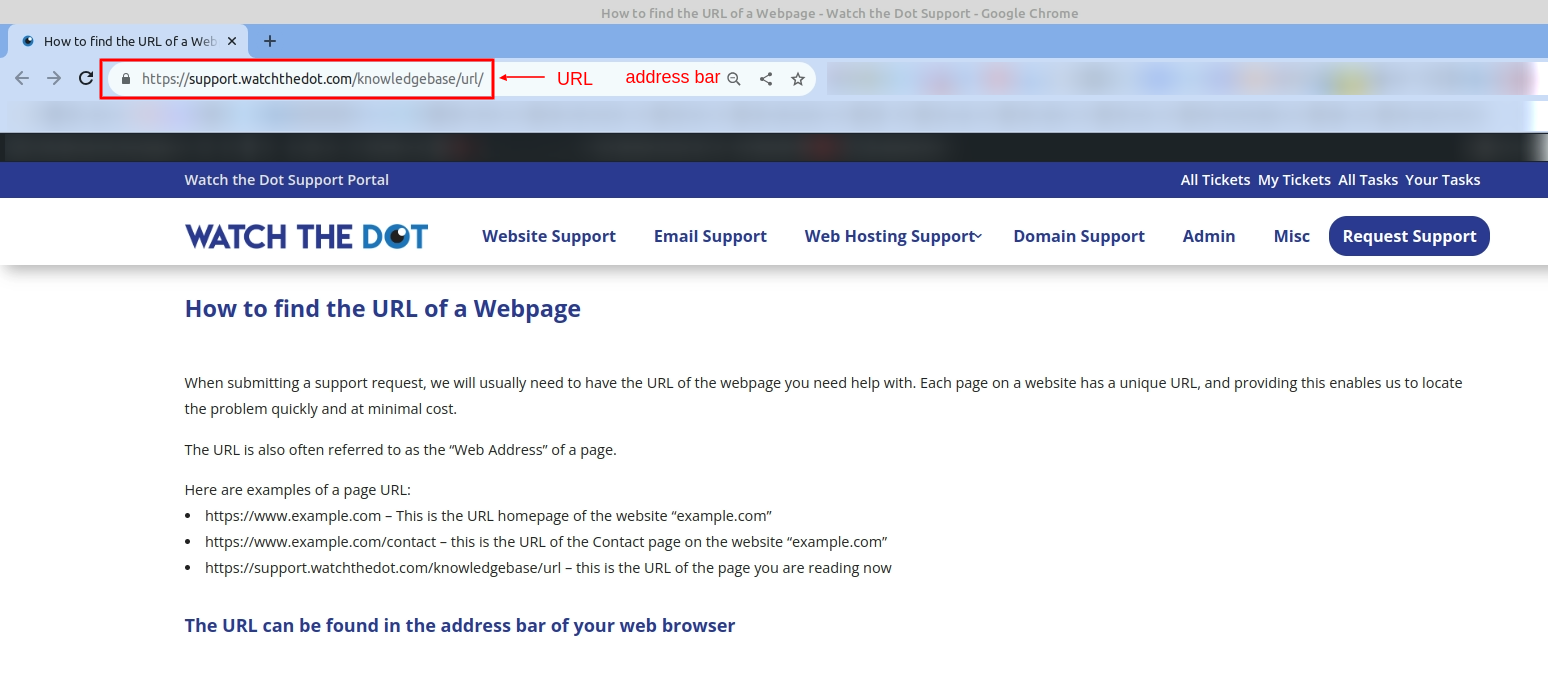
The URL will be in the address bar of your web browser
You can copy and paste this into your support request like normal text
Some browsers, particularly on Apple Computers hide the full URL – clicking on the address bar or copying and pasting it should reveal the whole URL
How to: Browser Basics (Chrome)