
Login to our Client Portal
How to: Login to the Watch the Dot Client Portal
Select Domains
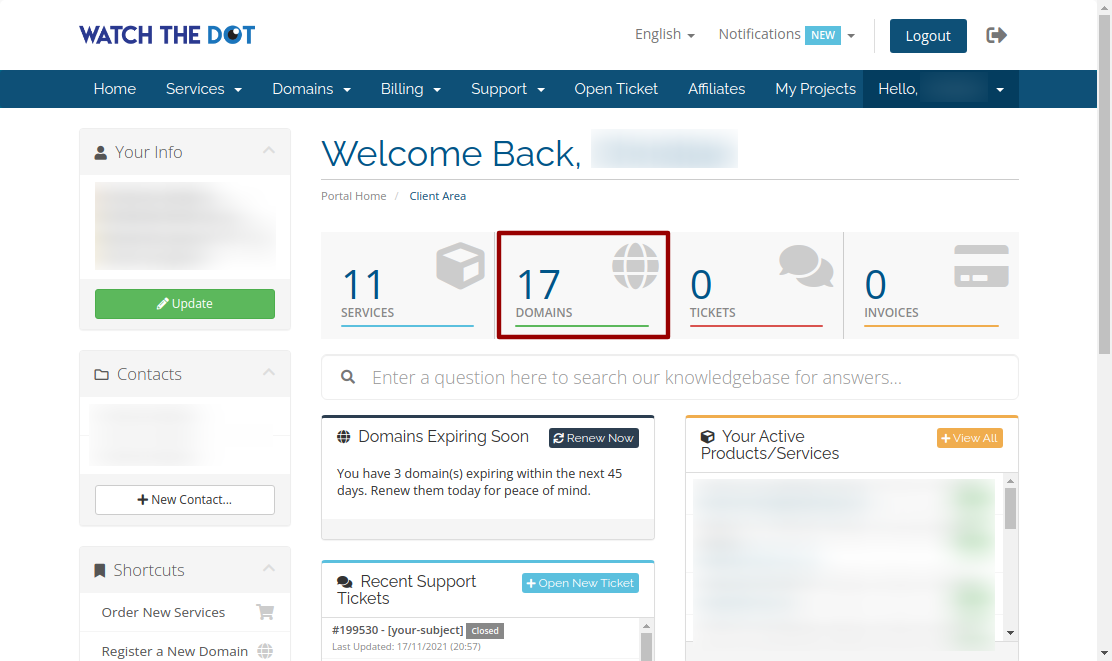
Locate your Domain and select Manage icon

Scroll to “Domain Control Panel” link

Scroll to the “Login to Control Panel” link for the specific domain
Access Control Panel
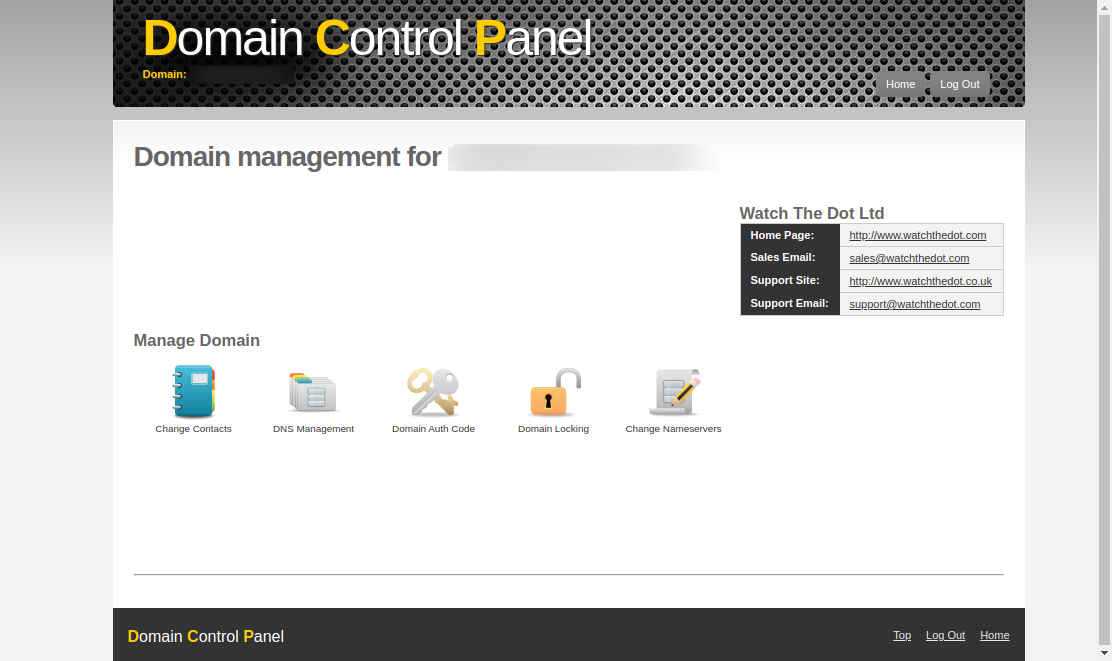
You should now be able to access the specific domain controls including name servers and DNS controls