
If your website is hosted in Cloudways, we may ask you to delegate access so that we are able to access the files and database of your website. To do that, follow our Step by Step guide below
Login to your Cloudways Account
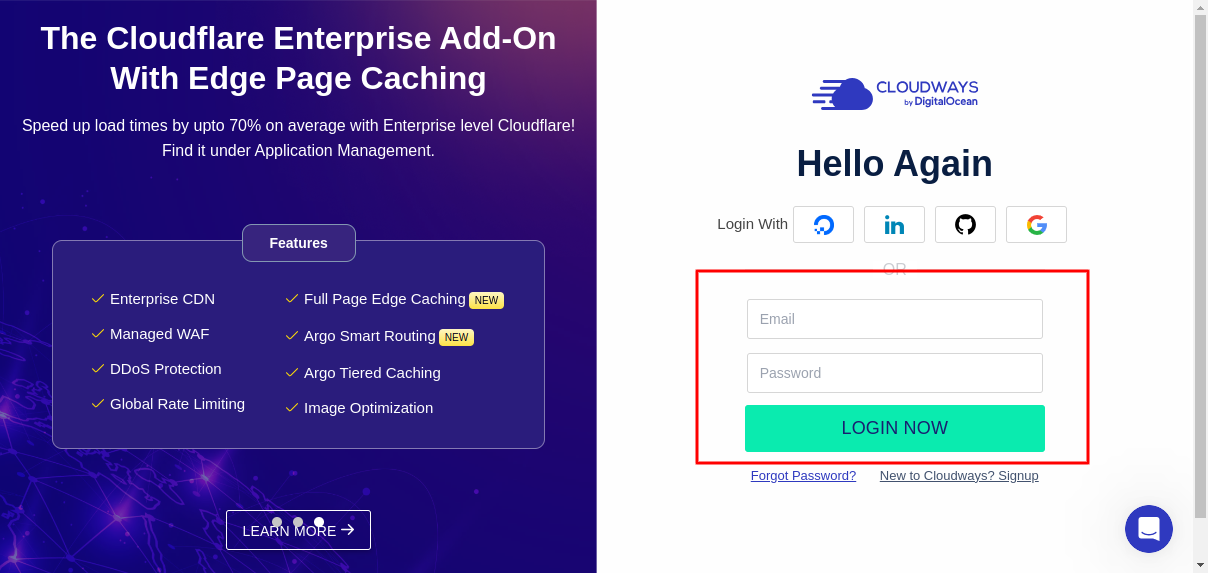
You can login at https://platform.cloudways.com/login
Navigate to the Team section
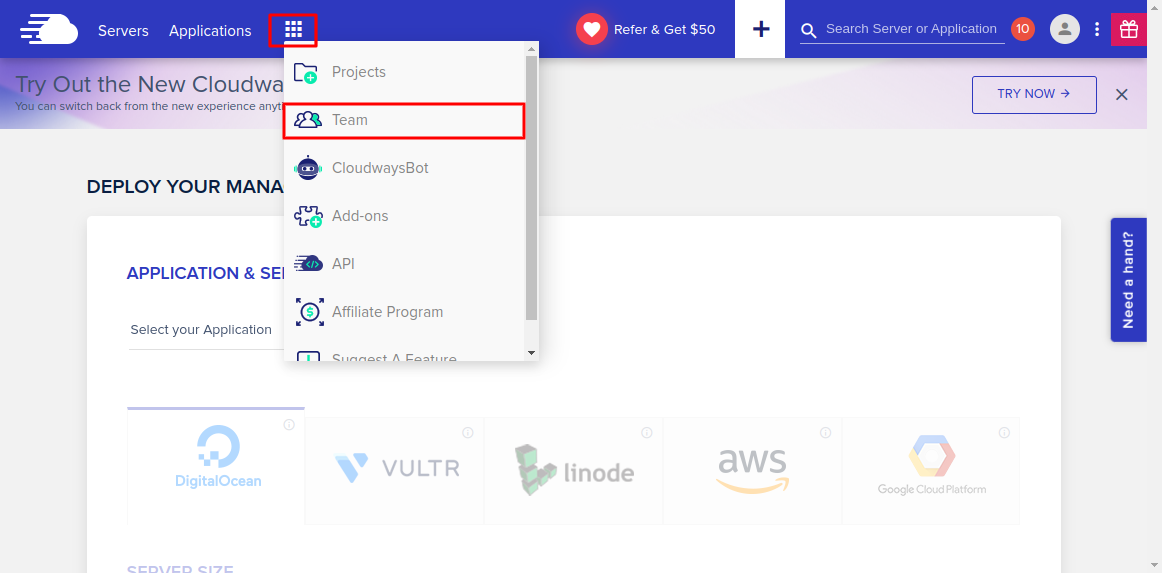
You can find this within the Cloudways Menu
Select Add New Team Member
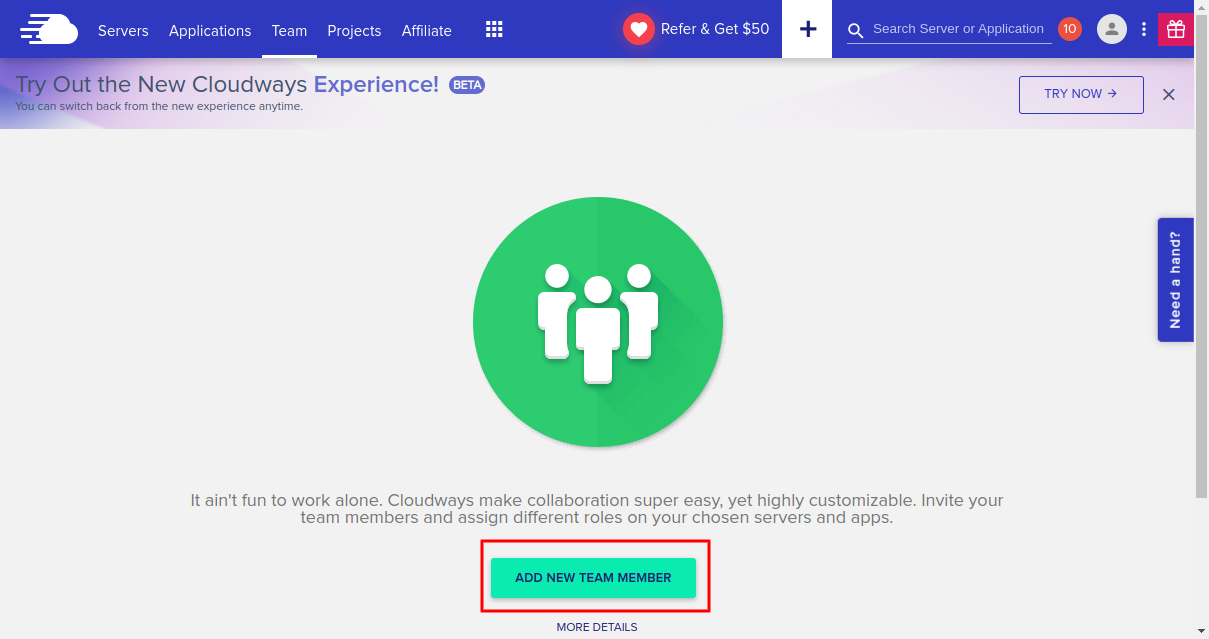
Complete the form as shown
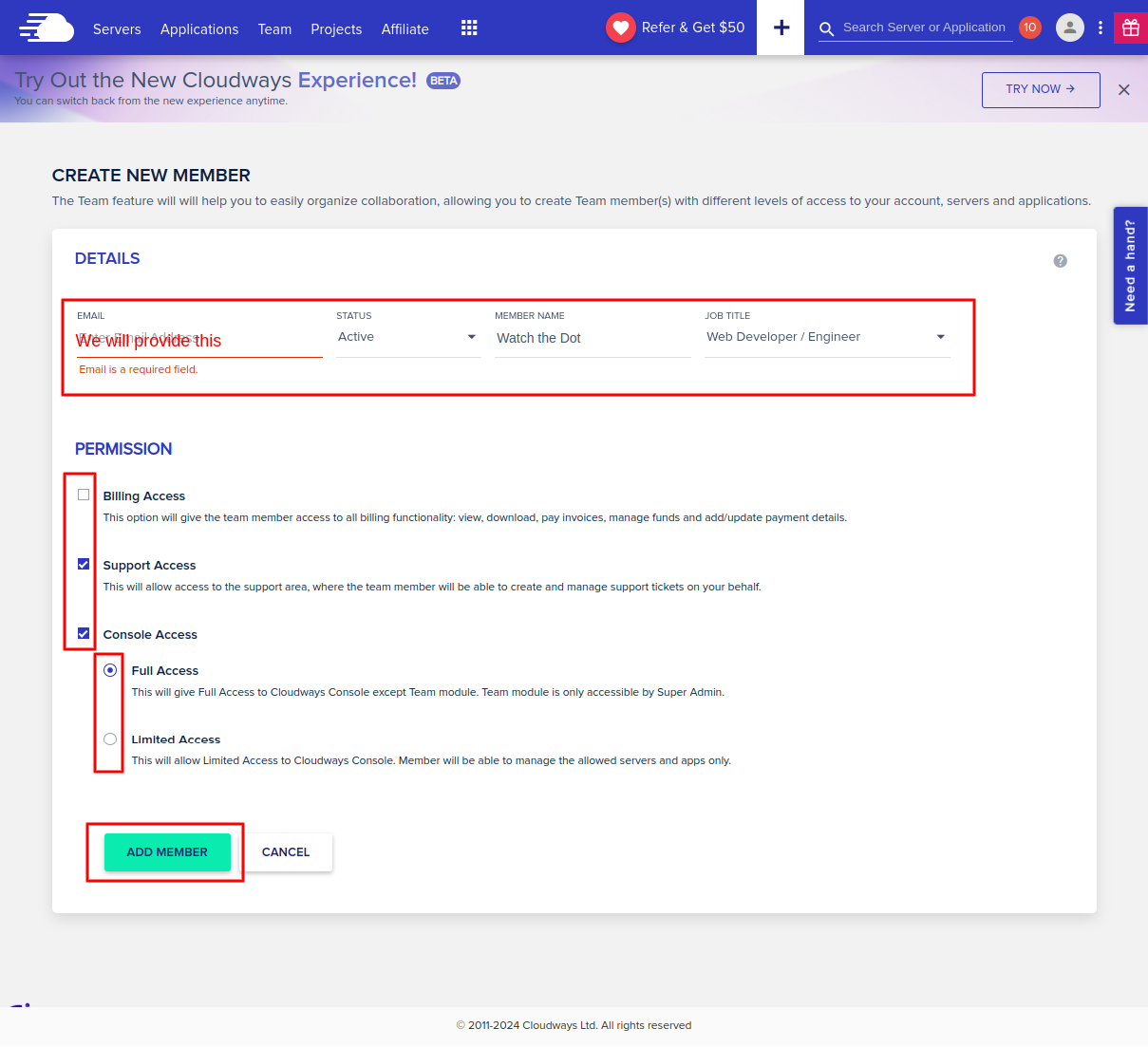
Email Address: to be provided by us
Status: Active
Member Name: Watch the Dot
Job Title: Web Developer / Engineer
Permissions:
- Support Access: Checked
- Console Access: Checked – Full Access selected
Select “Add Member” when ready. We will receive an invite to join your Cloudways account.