
1. Login to your cPanel Web Hosting Account
How to: Login to your Web Hosting account
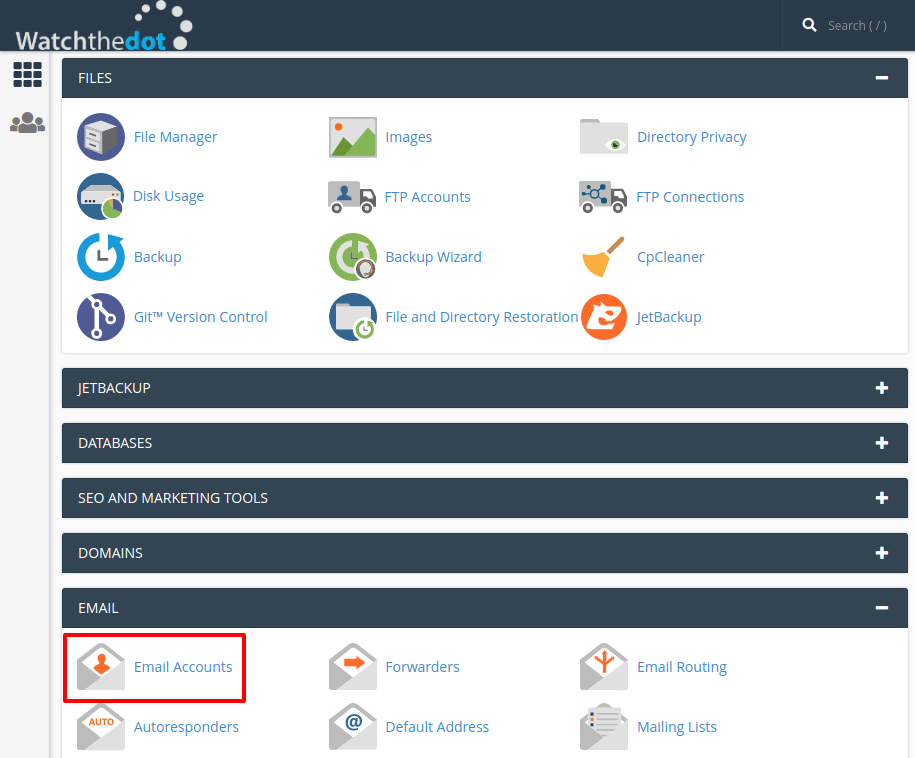
2. Select the ‘Email Accounts’ icon
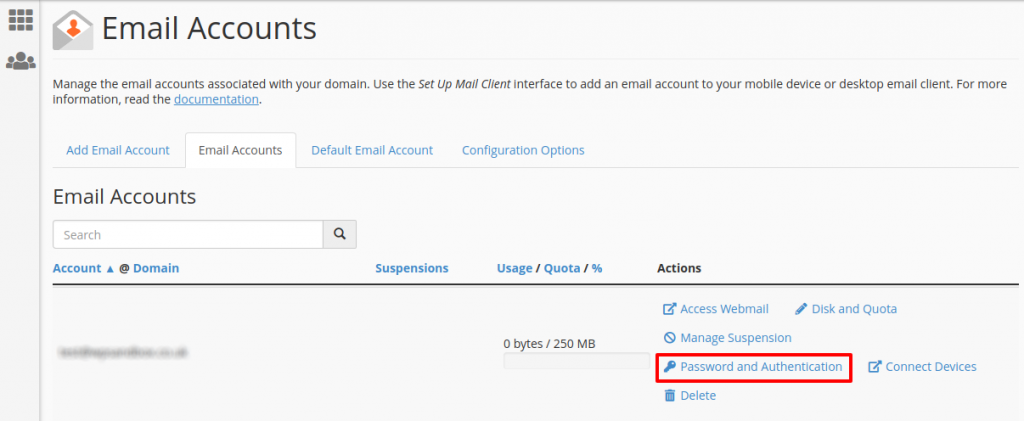
3. Select Password and Authentication
4. Enter New Password

A password entry form will open. Enter your new password twice and select Change password.
Want us to do it for you?
Order our paid support product