
If you need to access your database you can manage this via the phpMyAdmin tool available within your web hosting package.
Changes to your database can irrevocably damage your website. If you do not know what you are doing do not proceed – submit a support ticket for assistance
Login to your Web Hosting Account
How to: Login to your Web Hosting account
eXtend Hosting – Select the MariaDB Databases icon
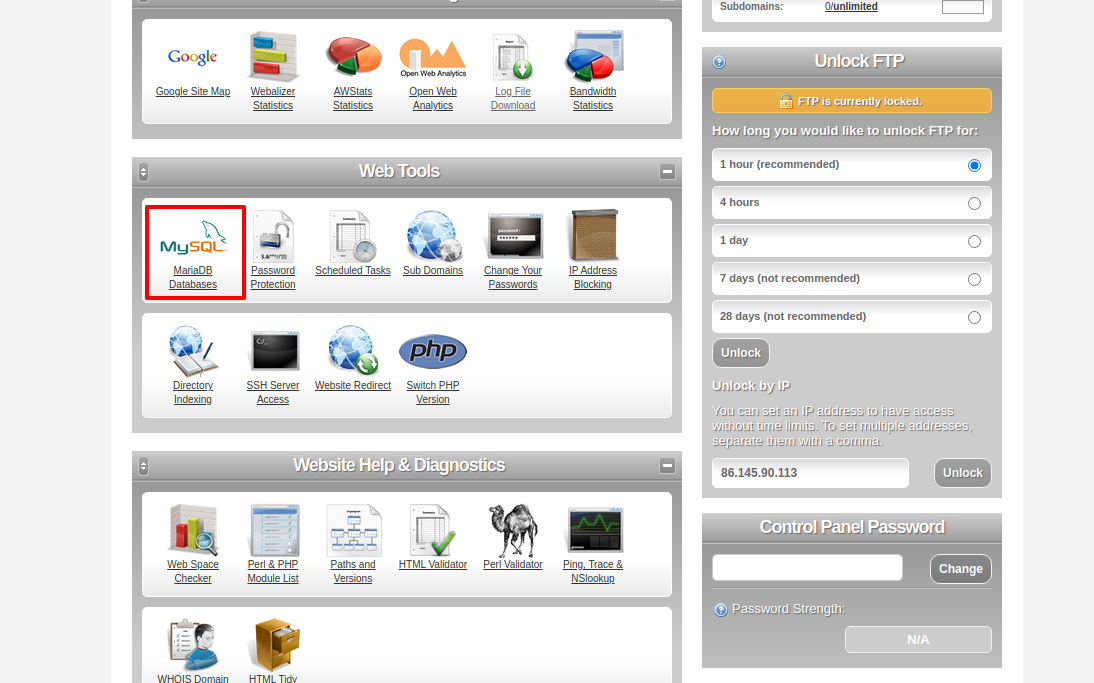
Selecy the MariaDB Databases icon located in the Web Tools section
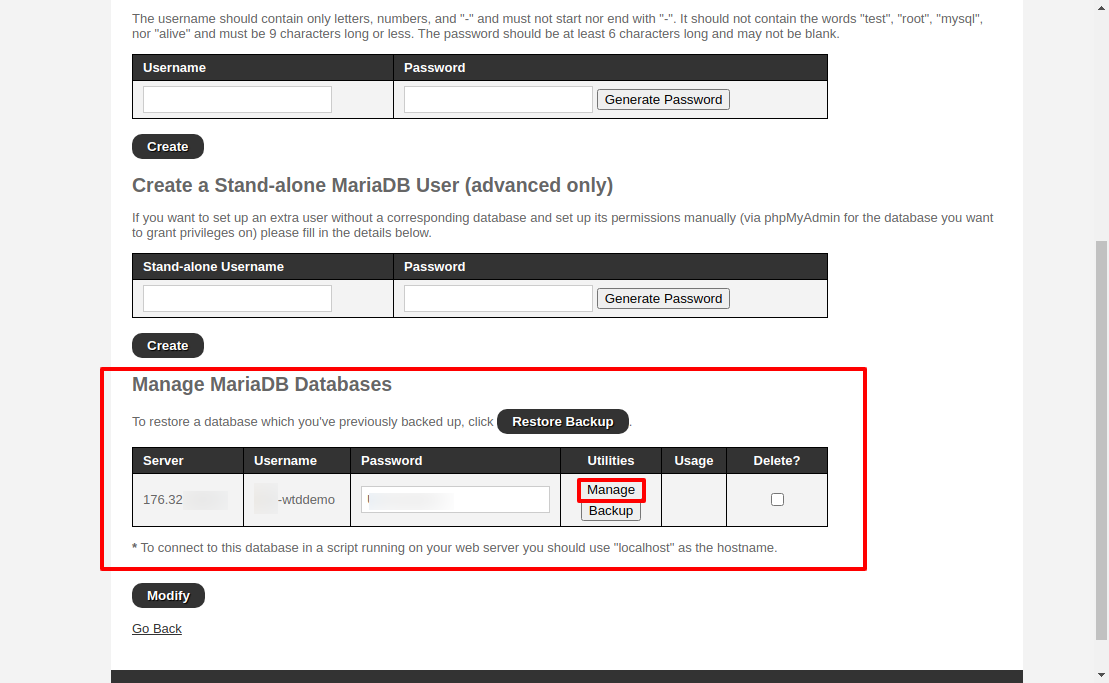
Find database in Manage MariaDB Databases and select Manage
Select your database in the Sidebar
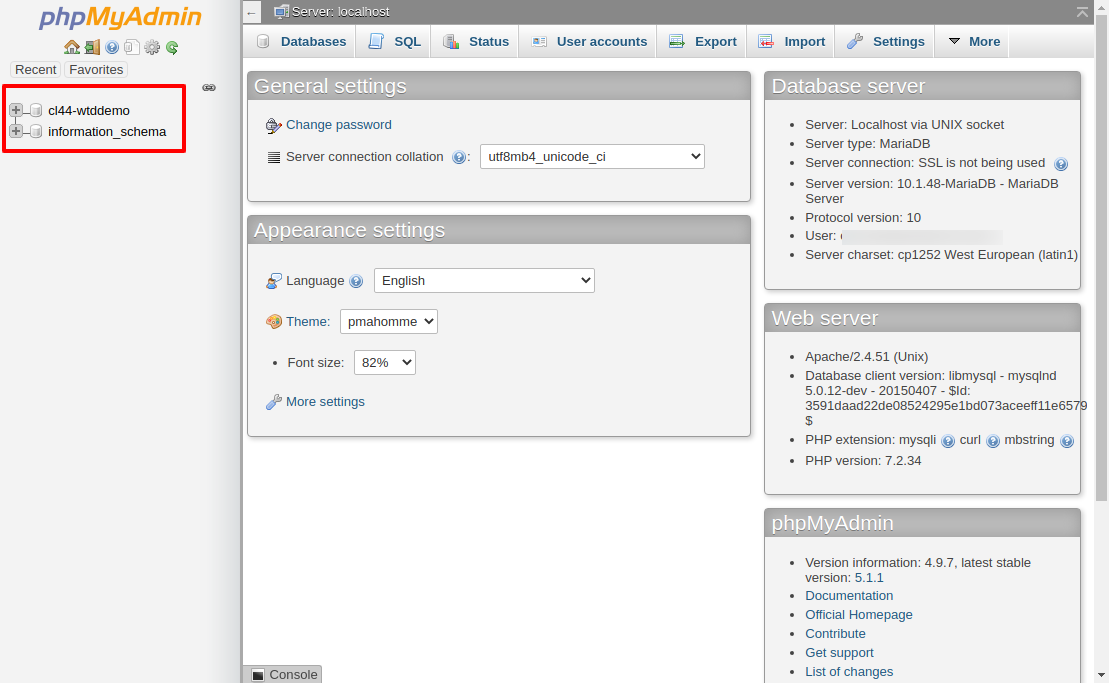
Note the database called
information_schemais an internal database used by your database server to manage the databases. This is not the database you require!